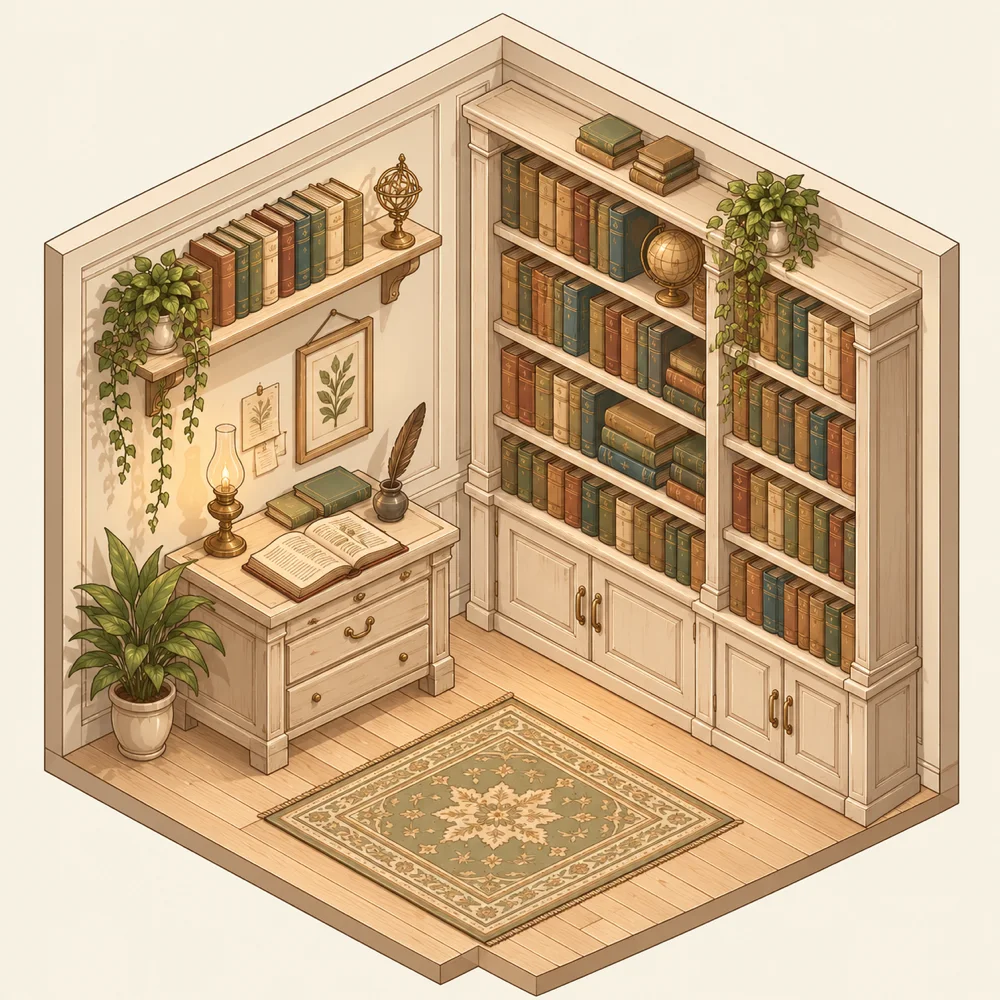
 A bookFree
A shelf$6.99
A library$19.99
A bookFree
A shelf$6.99
A library$19.99
One reader, three ways to keep your books.
What you choose here is not the reading — that part is the same in all three — but what stands around it. So the question is not which app reads better. It is how many books you keep, and what you do with them.
Reading one book at a time, downloading the next when you have finished the last? JustReader. Keeping a month ahead on a shelf and finding the next one in an OPDS catalogue? PlainReader. A real collection — hundreds or thousands of volumes, read across several devices? ContinuousReader. The reading core is the same in all of them; what changes is how the books are kept.
A bookFree
A shelf$6.99
A library$19.99
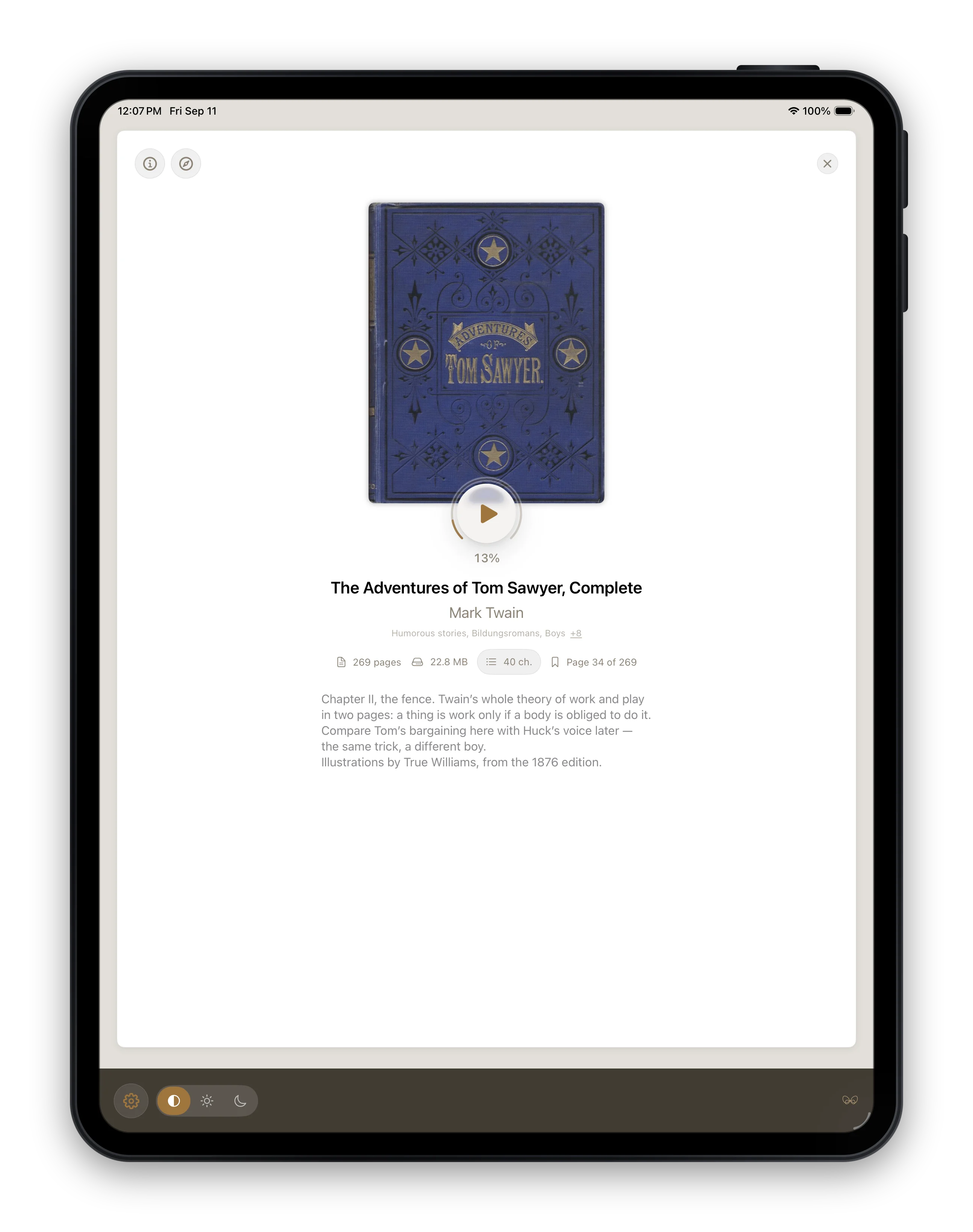
One book at a time. Open a file, read it, close it. There is no library, no shelf and nothing to file — the book you are reading is the whole app.
Free, with no trial period and the reader complete: every reading feature here is exactly the one the bigger apps have.
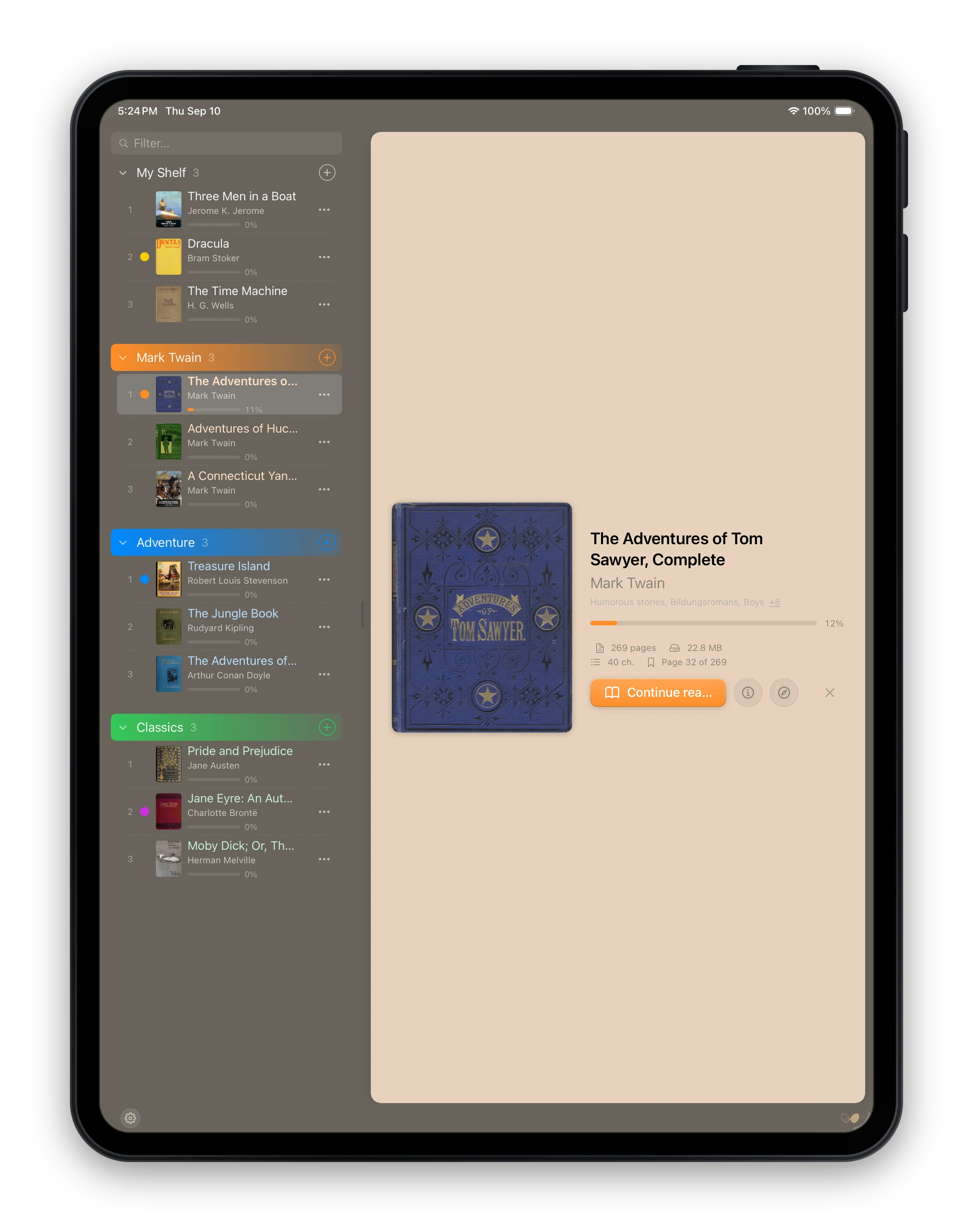
A shelf with dividers: up to 999 books in named, coloured, foldable categories. Not a library to maintain — and every book on it keeps its own page open.
A shelf answers a question a nightstand never raises: what am I reading tomorrow, and what am I coming back to after that?
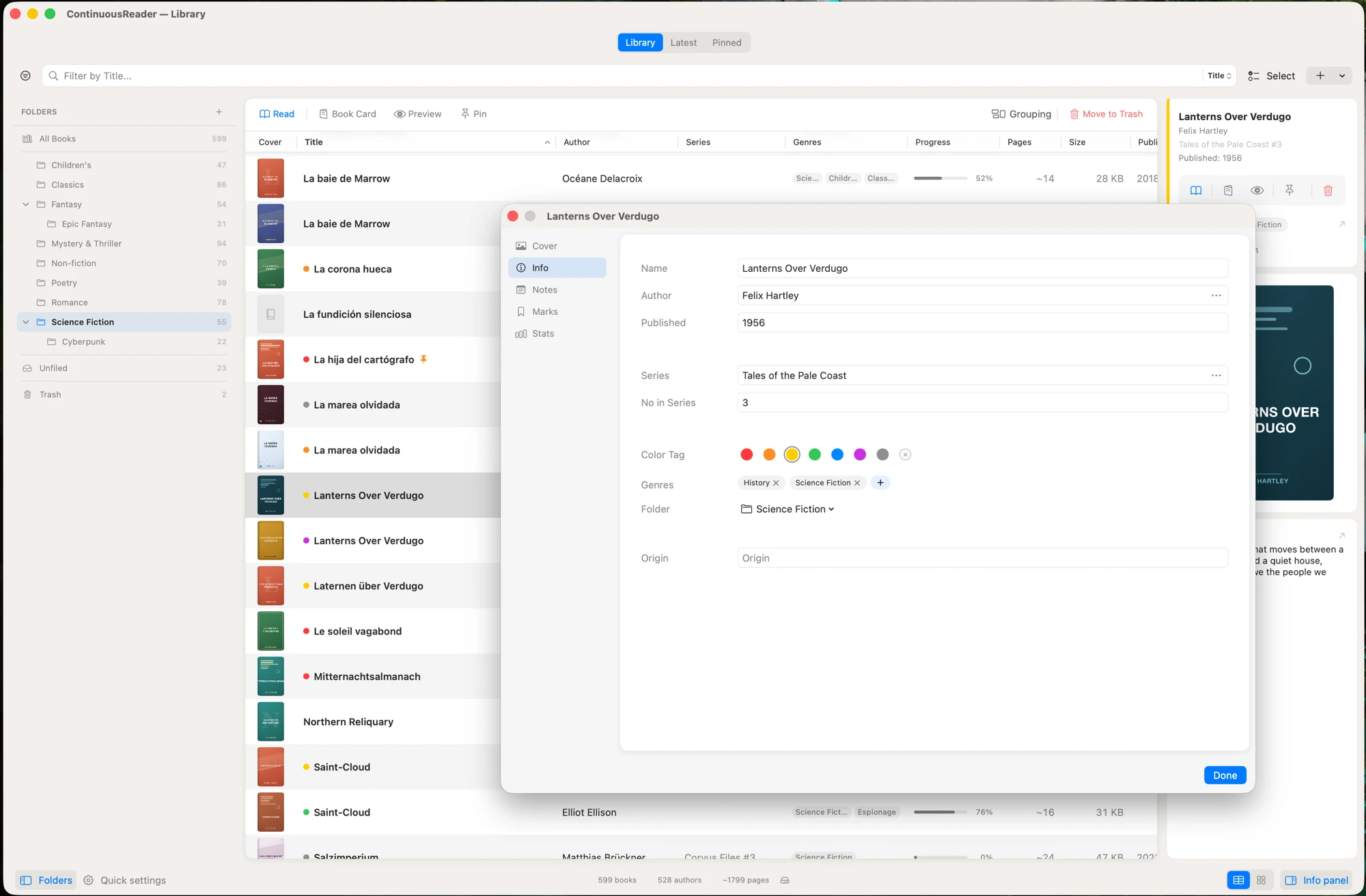
Everything is here, and somewhere to put it: folders, colours, genres and series, search across every book at once, and watchers that keep an eye on OPDS catalogues for new arrivals. And a reading position that follows you from the Mac to the iPhone mid-paragraph.
The one to use when reading is not an occasional pastime but a real part of your life.
The part you actually spend your evening in is literally the same in all three — not three similar readers but one. Whichever you start with, and whenever you change the shell around it, there is nothing to get used to again.
Changing the shell means moving books, not learning an app. There is no upgrade path between them: each is its own purchase, and each is bought once. Your reading settings do travel, though — all of them, in one .crsettings file.
The prices, the full comparison and the App Store links are all on one page.